Build. Test. Create.
From hands-on prototyping to specialized research, UC Riverside's Bourns College of Engineering connects students and researchers with the tools and spaces to turn an idea into something tangible.
What do you want to make?
Choose what you need to do. We'll point you to the space and its access information.
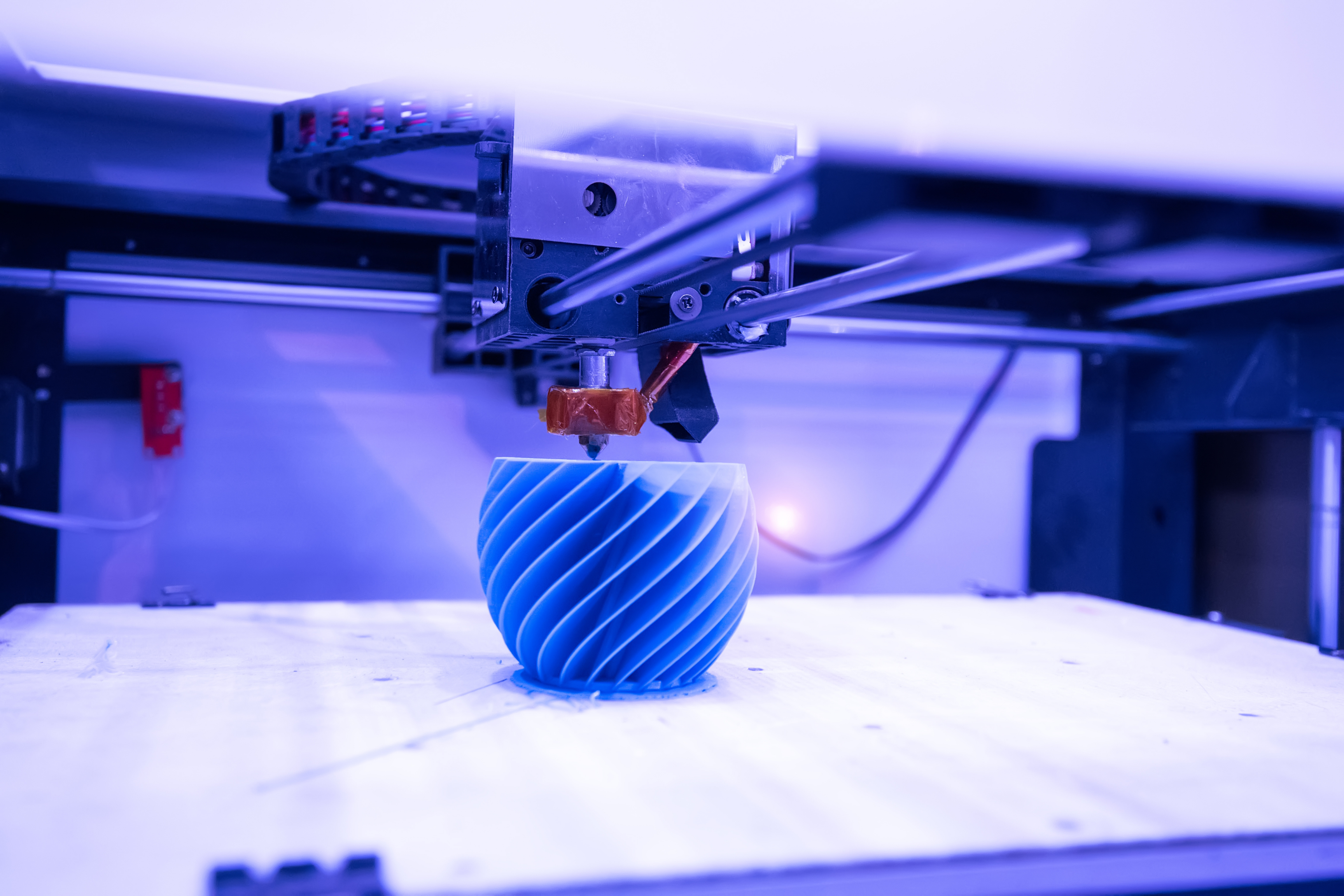
Need research instrumentation? Explore Research Facilities
Spaces to build and prototype.
Two mechanical engineering spaces support different kinds of fabrication. Each has its own equipment, training, and approval process.
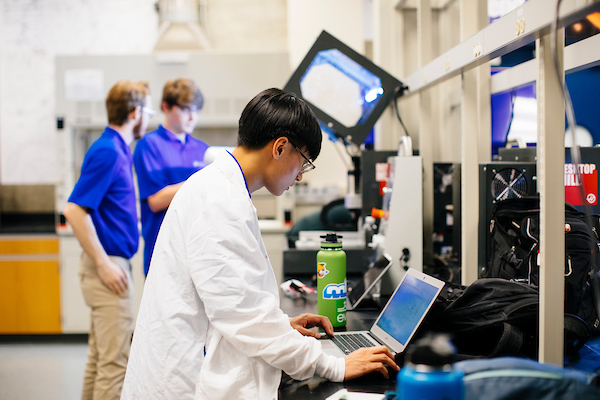
Mechanical Engineering Design and Development Laboratory (MEDDL)
For student prototypes, 3D printing, CNC fabrication, and project development with guidance and equipment training.
How to get started: Email MEDDL to request Canvas enrollment. Complete safety documents and written machine training before supervised hands-on training.
See example equipment
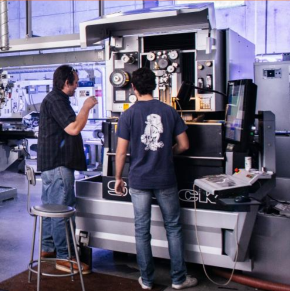
Mechanical Engineering Machine Shop
For precision parts, welding, machining, fabrication, and mechanical design and research projects.
How to get started: Request Canvas access using your UCR email. For a fabrication quote, submit a solid model, dimensioned drawings, and relevant specifications.
See example tools and services
Electrical Engineering MakeRspace
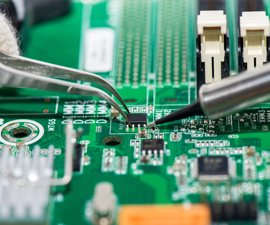
Working with circuits or electronic prototypes? This space supports circuit assembly and prototyping, including soldering, PCB work, and bench testing.
Example equipment: Soldering stations, PCB milling, oscilloscopes, function generators, power supplies, digital multimeters, and electronic components.
Access: Contact Electrical and Computer Engineering to confirm training, supervision, and equipment-use requirements before visiting.
Explore UCR's Creat'R Lab.
At Orbach Library, Room 140, the Creat'R Lab Makerspace offers 3D printing, laser engraving, sewing, embroidery, and creative fabrication services to the UCR community.
The Library manages this space separately. Visit its page for current hours, printing requests, and reservation requirements.
Creat'R Lab Hours & ServicesSpecialized user facilities.
For microscopy, nanofabrication, and materials testing, start with the facility responsible for the instruments you need.
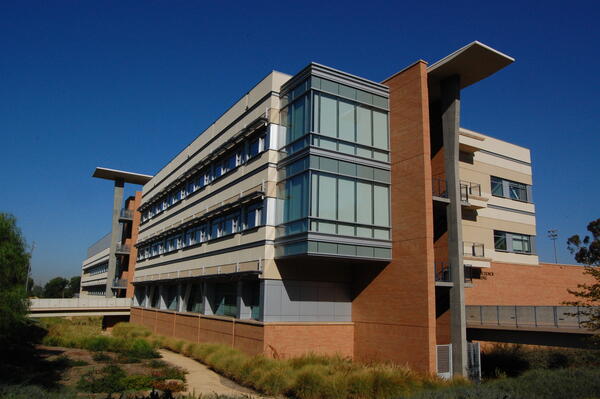
MSE User Facility
X-ray diffraction (XRD), electron microscopy (SEM), thermal analysis (TGA/DSC), FT-IR, Raman, and other materials-characterization tools.
Access: Trained-user and fee-for-service options; independent equipment use requires facility approval and appropriate training.
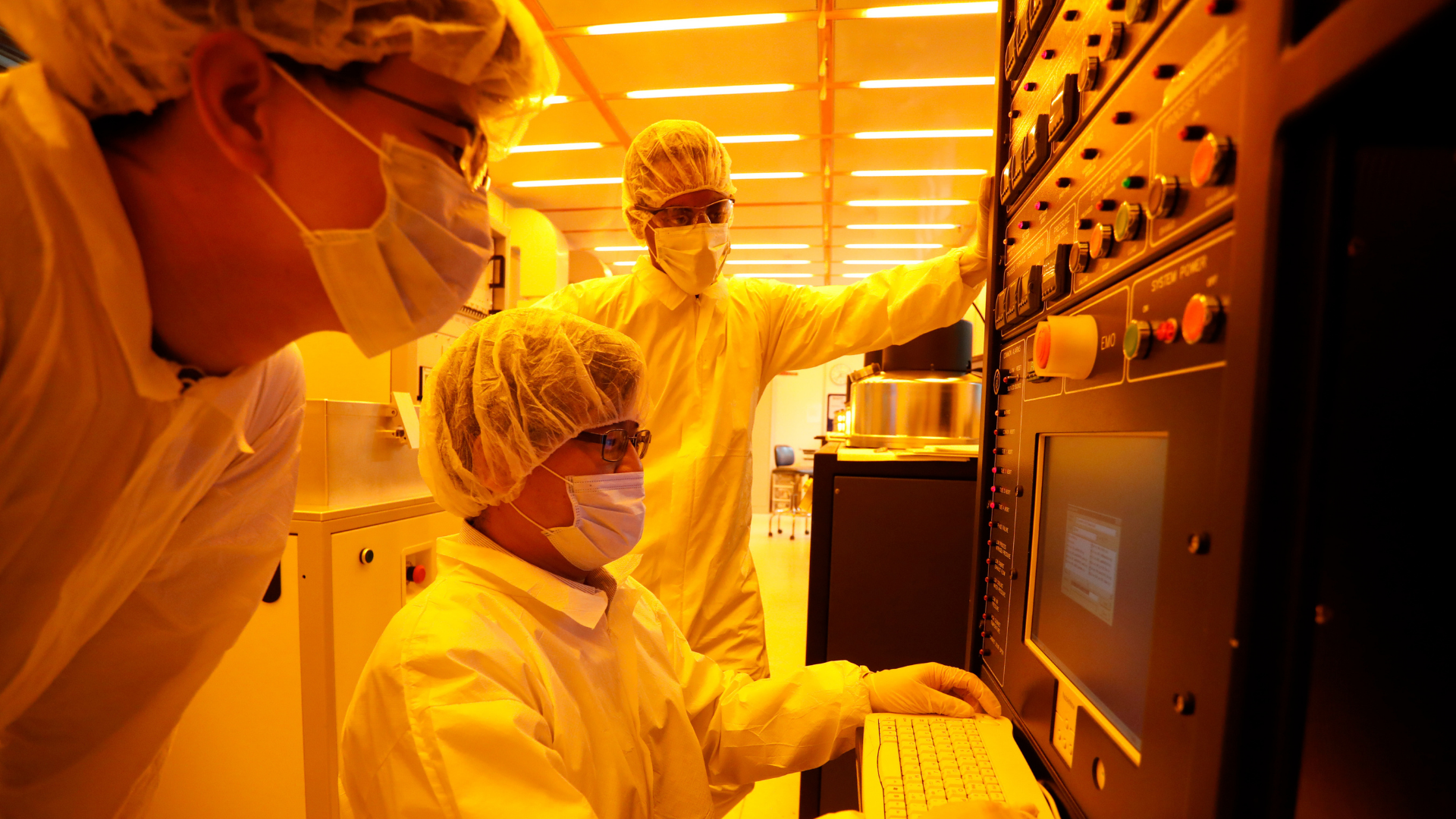
Nanofabrication and Electron Microscopy Facility (NEMF)
Cleanroom fabrication, microscopy, nanofabrication processes, metrology, and other specialized instruments managed through CalIT2.
Access: A user account, facility approval, safety training, and equipment-specific authorization may be required; review current policies and rates.
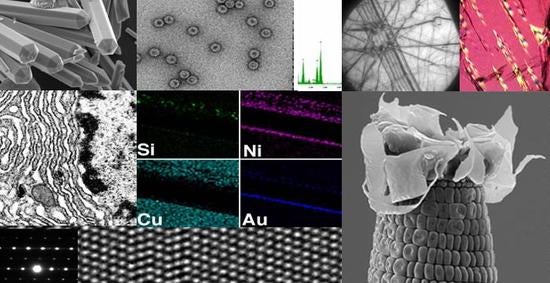
Central Facility for Advanced Microscopy and Microanalysis (CFAMM)
Advanced microscopy, high-resolution imaging, and instrument-supported microanalysis for research projects.
Access: UCR faculty and principal investigators establish accounts in TRACS and request training and access for researchers. External users contact the facility director.
See the spaces in action.
Get a closer look at the people, tools, and workspaces behind hands-on engineering at BCOE.
Once you've identified a facility, use its specific page or contact to confirm training and access.
Not sure where to start?
Use the facility-specific links above for training, reservations, and equipment access. For general college questions, BCOE can help you find the right contact.